Three steps. Zero distortion.
Upload → Pick a size → Download.
1. Upload your image
Drop in any JPG, PNG, or WebP. Up to 15MB free, 100MB on Pro.
2. Pick a size
Choose a preset for social, web, or print — or enter any custom dimensions.
3. Download
Get the resized image in the exact dimensions you need. Print-ready or web-optimized.
One image. Every size.
Upload once, resize to anything. Swipe to see how the same photo adapts to every dimension.
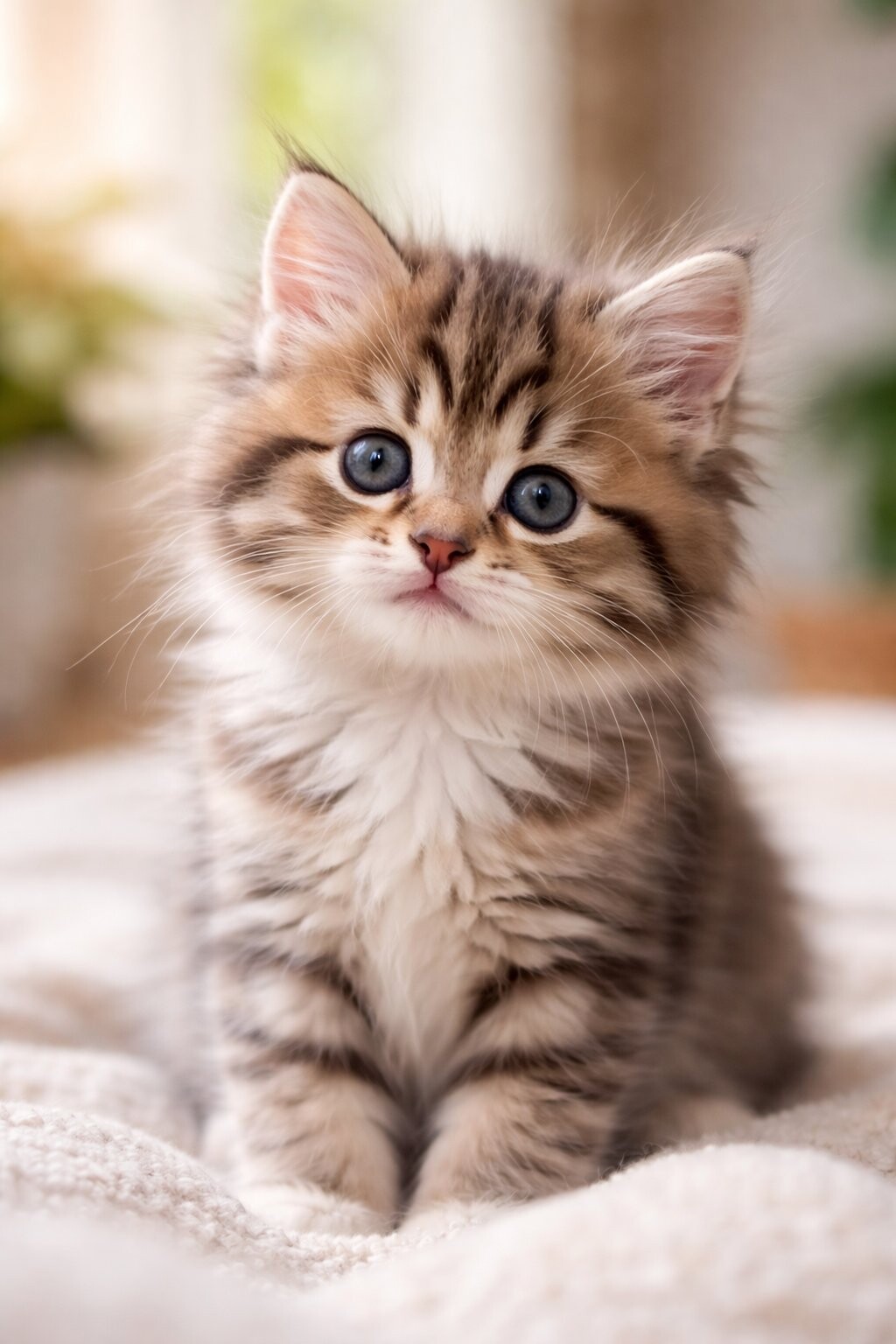
Original
1024 × 1536

Instagram Post
1080 × 1080 · Crop
Fit preserves everything. Crop fills the frame. Expand extends the canvas. Try it yourself →
Pro
Your image, extended.
Need a landscape photo as a vertical Story? Pro subscribers get three fill modes. Your original image is never altered.

Landscape → Story (9:16)
Presets for every platform.
Instagram Post
1080×1080 · 1:1
Instagram Story
1080×1920 · 9:16
Instagram Portrait
1080×1350 · 4:5
TikTok
1080×1920 · 9:16
YouTube Thumbnail
1280×720 · 16:9
X Header
1500×500 · 3:1
LinkedIn Banner
1584×396 · 4:1
Open Graph
1200×630 · 1.91:1
Facebook Cover
820×360 · 2.28:1
Pinterest Pin
1000×1500 · 2:3
LinkedIn Post
1200×1200 · 1:1
YouTube Banner
2560×1440 · 16:9
X Post
1200×675 · 16:9
Instagram Profile
320×320 · 1:1
Facebook Profile
180×180 · 1:1
LinkedIn Profile
400×400 · 1:1
X Profile
400×400 · 1:1
YouTube Profile
800×800 · 1:1
Threads Post
1080×1350 · 4:5
Facebook Event
1920×1005 · 1.91:1
8×10 PhotoPRINT
2400×3000 · 4:5
11×14 PrintPRINT
3300×4200 · 11:14
18×24 PosterPRINT
5400×7200 · 3:4
A4PRINT
2480×3508 · 1:√2
A3PRINT
3508×4961 · 1:√2
Custom
Any width × height
Your image, enhanced.
Free
Fit
Scales proportionally. Adds a white or gray background. No cropping, no distortion.
Free
Crop
Scales to fill the frame. Edges trimmed. Drag to reposition, scroll to zoom.
Pro
Expand
Extends the canvas without cropping. Blur, solid, or gradient fill.
Pro
AI Enhance
Need to print larger? AI Enhance increases pixel dimensions with super-resolution for crisp, high-resolution export. Print an 18×24 poster from a phone photo. 1 credit per use.
1536×10245400×3600 ✦
Suitable for 18×24 print at 300 DPI
Free for social. Pro for print.
Free
$0
Fit + Crop modes
All social presets
Custom sizes
Max 2048px export
15MB file size limit
5 resizes per day
Print Export
$4one-time
1 print-ready export
AI Enhance included
Up to 8K resolution
300 DPI metadata
No account required
Perfect for a single print or poster.
Best value
Pro
$5/month
20 AI credits/month
Print-ready exports (1 credit each)
All print presets (8×10, A4, poster)
Expand: blur, solid, gradient
100MB file size limit
Unlimited resizes
Batch resize
Cancel anytime. Pays for itself in 2 exports.
FAQ
What formats are supported?
Upload JPG, PNG, or WebP. Download in any of those formats.
Does it crop my image?
Only if you choose Crop mode. Fit mode preserves everything by adding a background fill.
Is there a file size limit?
Free: 15MB. Pro: 100MB. Fit and Crop are processed in your browser — nothing gets uploaded to a server.
How many resizes do I get?
Free users get 5 resizes per day. Pro is unlimited.
What is AI Enhance?
AI Enhance increases pixel dimensions using advanced super-resolution to produce high-resolution exports suitable for large prints. It appears automatically when your target is larger than the original. 1 credit per use.
Does AI Enhance actually improve quality?
Yes. AI Enhance generates additional detail and clarity, making images suitable for larger formats than the original file. It’s the difference between a blurry upscale and a crisp print.
What are AI credits?
AI features — seamless fill, AI Enhance, and print exports — each use 1 credit. Pro includes 20/month. You can also buy a single print export for $4 without a subscription.
Can I resize for print?
Yes. Pro includes print presets (8×10, 11×14, 18×24 poster, A4, A3) at 300 DPI. Combined with AI Enhance, you can produce print-ready exports from web-resolution originals. Each print export uses 1 AI credit.
What’s the max export resolution?
Free: 2048px on the longest side (web resolution). Pro: up to 8K with AI Enhance.
What if I just need one print?
Buy a single print export for $4 — no account or subscription required. Includes AI Enhance, up to 8K resolution at 300 DPI.
Does AI change my original image?
Never. AI Expand only generates in new canvas areas — your original pixels are preserved exactly. AI Enhance improves the enlarged output without altering the source.
More questions? Visit support